DediGames® Box
您 Minecraft 遊戲伺服器的終極解決方案,與 Science Team GO! modpack
DediGames® Box

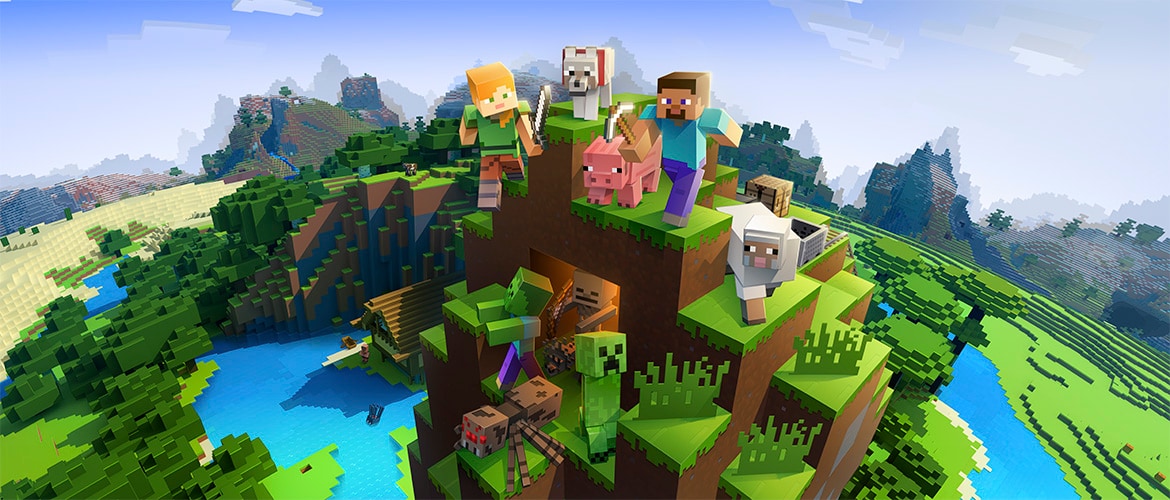
Discover an exciting modpack designed for immersive gameplay, crafted for adventurers and builders alike. Featuring tech innovations like Immersive Engineering and Oritech, this collection enhances your crafting and construction capabilities. Explore diverse landscapes with Biomes O' Plenty, uncover hidden structures, and enjoy aesthetic upgrades with Handcrafted and Bibliocraft. Streamline your in-game experience with optimization and cosmetic mods for stunning visuals. Elevate your gaming adventures with VeryGames's exceptional server hosting!
查看 CurseForge如何安裝 Science Team GO! ?
要安裝 modpack 的客戶端版本 Science Team GO! 在您的電腦上,按照以下步驟操作:
- 下載並安裝與兼容的啟動程序 Science Team GO!.
- 啟動該軟體
- 訪問模組或模組包部分。
- 搜索Science Team GO!.
- 選擇與您想要連接的伺服器相對應的版本,然後安裝它。
- 安裝完成後,該模組包將在啟動器中可用。單擊以啟動它。
如何創建一個伺服器 Science Team GO! ?
選擇模組包 Science Team GO! 在你的 Minecraft 面板上。要安裝它,請遵循以下步驟 :
- 訪問 VeryGames 的控制面板。
- 單擊創建新的安裝
- 選擇 Science Team GO! 在類型部分.
- 在版本部分選擇您要安裝的版本
- 單擊安裝。
- Tadam! 等待幾秒鐘後,您的伺服器已安裝在 modpack 上 Science Team GO!.
如何更新 Science Team GO! ?
更新中 Science Team GO! 非常簡單,請按照以下步驟操作:
- 訪問 VeryGames 的控制面板。
- 單擊添加元件。
- 在表格中,搜索 modpack Science Team GO! 並單擊更新按鈕。
- 選擇的新版本的 Science Team GO! 並單擊立即更改版本。
- Tadam! 等待幾秒鐘後,您的伺服器已更新在 modpack 上 Science Team GO! 您選擇的版本。
VeryGames 的版本 Science Team GO!
當新版本由其創建者發布時,新的版本會自動添加。
如果某個版本不可用,那是因為它尚不穩定或與伺服器不兼容。如果您對某個版本有任何疑問,請隨時聯繫我們的支持。
這是可用版本的列表 Science Team GO!.
| 版本 (7) | 發布時間 | 模組加載器 |
|---|
Science Team-2.1.5 Minecraft 21.1.206 | 2025/09/06 23:08:36 | NeoForge 21.1.206 |
Science Team-2.1.4 Minecraft 21.1.206 | 2025/09/06 09:17:37 | NeoForge 21.1.206 |
Science Team-2.1.3 Minecraft 21.1.206 | 2025/09/06 05:38:04 | NeoForge 21.1.206 |
Science Team-2.1.2 Minecraft 21.1.206 | 2025/09/04 17:50:43 | NeoForge 21.1.206 |
Science Team GO-2.0 Minecraft 21.1.206 | 2025/08/29 00:02:35 | NeoForge 21.1.206 |
Science Team GO-1.2.3 Minecraft 21.1.187 | 2025/07/13 07:52:22 | NeoForge 21.1.187 |
Science Team GO-1.2.2 Minecraft 21.1.187 | 2025/07/12 02:45:56 | NeoForge 21.1.187 |