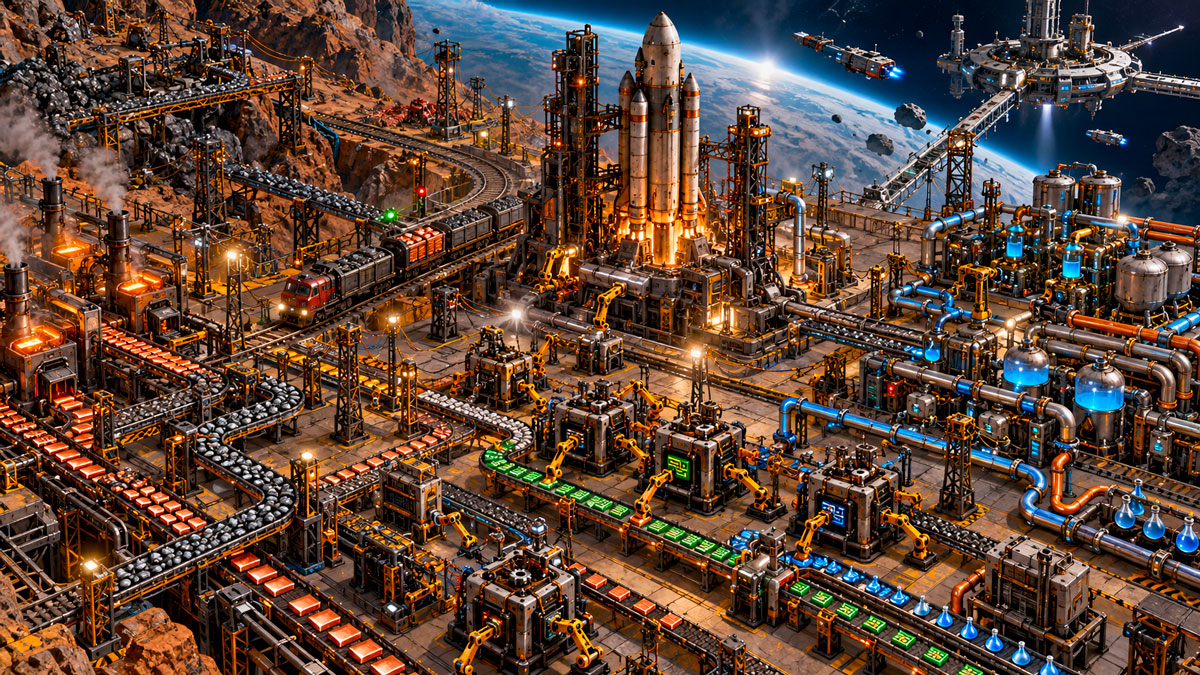
Factorio 2.1 Stable Is Here: What's New and How to Update Safely
Factorio 2.1 is now available on the Stable branch. Wube Software confirmed the release on October 23, 2026, following several months of experimental testing. The update improves space logistics, circuit-controlled automation, train quality, fluid handling and enemy behavior.
For multiplayer communities, however, the most important change is less visible: Factorio 2.0 saves can be loaded in 2.1, but a save or blueprint converted to 2.1 cannot be downgraded to 2.0. Back up your factory before updating.
Factorio 2.1 is Stable — and may be its last major gameplay update
Version 2.1 first entered experimental testing in June 2026. With its promotion to Stable on October 23, players who remained on the 2.0 branch can now move to a release that has benefited from months of public feedback and fixes.
Wube has described 2.1 as what it expects to be the final major Factorio update, not the end of support. The studio intends to focus on bug fixes, compatibility, modding support and other projects. This is primarily a quality-of-life and gameplay refinement update: it does not introduce new planets, enemies or research trees.
What is new in Factorio 2.1?
Smarter Space Age logistics
Rockets can now carry mixed item types in a single launch, reducing waste when supplying platforms. Orbital platforms can exchange resources with one another, while new options make it easier to import supplies from multiple locations. Circuit-network control over platform hub requests and cross-location signals also expands automation possibilities.
More control over circuits, fluids and production
The circuit network can separate input and output behavior by wire color. Laboratories can select research through circuit conditions, and boilers, heat exchangers and pipes offer new connections. Fluid mixing prevention returns, while high-throughput fluid handling receives improvements. Pumpjacks and burner mining drills can now be flipped.
Quality changes and better trains
Space Age can now be played without the Quality feature: Quality is a recommended dependency enabled by default, rather than a requirement. Higher-quality locomotives, cargo wagons and fluid wagons gain meaningful bonuses. Quality modules can no longer be used in asteroid reprocessing.
Rebalanced enemies and space platforms
Biter expansion groups scale with evolution, and their expansion behavior has been reworked. In space, asteroid damage is more predictable, platform hubs are tougher and drag depends on mass rather than width. The update also refreshes graphics for several machines and buildings.
For Linux users and server administrators: Factorio 2.1 also introduces native Linux ARM64 support, including headless server builds. This broadens deployment options, but does not mean that every commercial hosting configuration necessarily uses ARM64.
Important: Factorio 2.1 save files cannot return to 2.0
Wube confirms that existing Factorio 2.0 saves can be opened in 2.1. That makes it possible to continue an established factory instead of starting from scratch. The upgrade is not fully reversible, though.
Before you update: once a save file or blueprint has been upgraded to Factorio 2.1, it cannot be downgraded to 2.0. Keep an untouched copy of your 2.0 saves and blueprints outside the live server.
Existing builds may also need attention. The revised circuit input/output system can change how some automated factories behave. In addition, while many popular mods were updated during the experimental period, compatibility is not guaranteed for every mod. Check the versions and dependencies your multiplayer world relies on.
Changing a server's executable back to 2.0 is therefore not a substitute for restoring a genuine 2.0 backup.
How to update a Factorio multiplayer server to 2.1 safely
For a persistent multiplayer factory, a controlled migration is safer than simply restarting on the newest game build. Follow this checklist before switching your server:
- Agree on a maintenance window. Ask connected players to finish their session and stop the server cleanly before making changes.
- Create independent backups. Keep copies of the world save, important blueprints and the current mod list. Preserve the original 2.0 files separately from any 2.1 test saves.
- Review your mods. Check each essential mod and dependency for Factorio 2.1 support. Do not assume a modded 2.0 setup will work unchanged.
- Check the available server version. Select a compatible 2.1 build in your hosting control panel, and make sure players are running a matching game version and mod set.
- Test before reopening the world. Load a copy of the save, then inspect circuit-controlled systems, trains, fluid production, Space Age platforms and multiplayer connections.
- Keep your rollback plan. If the new version causes problems, restore the untouched 2.0 backup alongside the appropriate 2.0 server and mod versions. Do not attempt to open a 2.1-converted save in 2.0.
The VeryGames Factorio hosting page lists Factorio 2.1 and 2.0 builds, along with version management, backups and one-click installation of Factorio Mod Portal mods. Check the exact build offered in your control panel before starting the migration, as available patch versions may change.
Factorio 2.1 Stable FAQ
Is Factorio 2.1 available on the Stable branch?
Yes. Wube announced the Stable release on October 23, 2026, after an extended experimental phase.
Can I use a Factorio 2.0 save in 2.1?
Yes. Version 2.1 can load existing 2.0 saves, although some factory designs and modded systems may require adjustments.
Can I downgrade a Factorio 2.1 save to 2.0?
No. Save files and blueprints upgraded to 2.1 cannot be downgraded. Retain untouched 2.0 backups if you need the option to return.
Are Factorio mods compatible with 2.1?
Many popular mods have already been updated, but not all of them. Verify the compatibility of the specific mods used by your server.
Does Factorio 2.1 support Linux ARM64 servers?
Yes. The update introduces native Linux ARM64 support, including headless server builds.
Keep your Factorio factory running with VeryGames
Build with friends on a persistent Factorio server using a DediGames® Box. Manage game versions, install Factorio mods from the control panel and protect your world with server backups. Remember to save an untouched copy of your 2.0 factory before migrating.