DediGames® Box
The ultimate solution for your Minecraft game servers with FoxesDen modpack
DediGames® Box

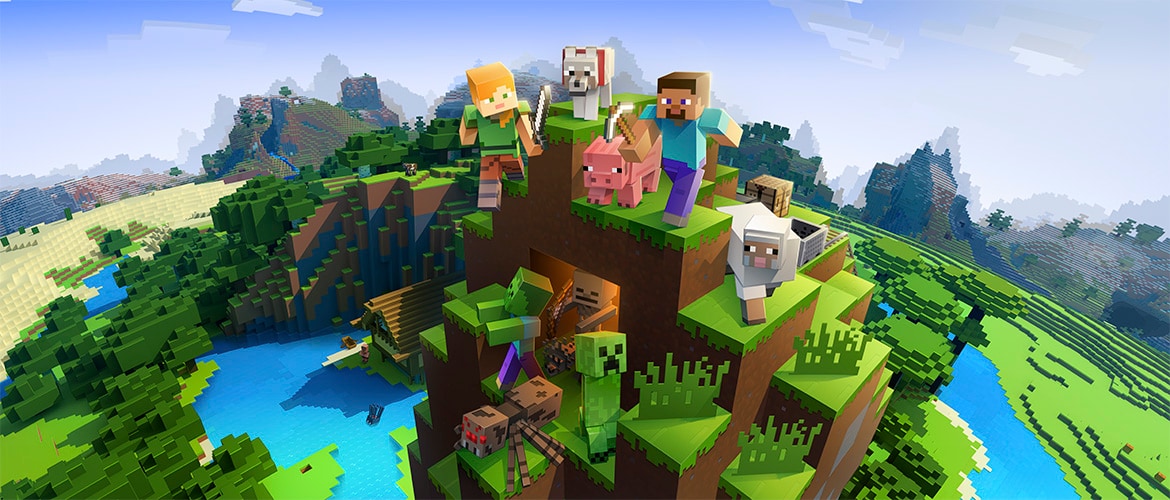
Enhance your Minecraft adventure with FoxesDen, a unique modpack curated specifically for our whitelisted server. Experience a variety of client-side mods that enrich gameplay and elevate player interaction. Immerse yourself in new features and improved visuals, making every session memorable. Join us at VeryGames for a seamless hosting experience and explore everything FoxesDen has to offer!
View on CurseForgeHow to install FoxesDen ?
To install the client version of the modpack FoxesDen on your computer, follow these steps :
- Download and install a launcher compatible with FoxesDen.
- Launch the software
- Access the Mods or Modpacks section.
- Search forFoxesDen.
- Select the version corresponding to the server you want to connect to, then install it.
- Once the installation is complete, the modpack will be available in the launcher. Click on it to start it.
How to create a server FoxesDen ?
Select the modpack FoxesDen on your Minecraft panel. To install it, follow the steps below :
- Access the control panel on VeryGames.
- Click on create a new installation
- Select FoxesDen in the section type.
- Choose the version you want to install in the section version
- Click on create
- Tadam ! After a few seconds of waiting, your server is installed on the modpack FoxesDen.
How to update FoxesDen ?
Updating FoxesDen is very simple, follow the steps below :
- Access the control panel on VeryGames.
- Click on Addons.
- In the table, search for the modpack FoxesDen and click on the update button.
- Select the new version of FoxesDen and click on change version now.
- Tadam ! After a few seconds of waiting, your server is updated on the modpack FoxesDen version you choose.
VeryGames versions of FoxesDen
The addition of a new version is done automatically when it is made available by its creator.
If a version is not available, it is because it is not stable or incompatible with the servers. If you have any doubts about a version, do not hesitate to contact our support.
Here is the list of versions available of FoxesDen.
| Version (1) | Release at | Modloader |
|---|
FoxesDen-1.0 Minecraft 21.5.2-beta | 03/29/2025, 03:39:16 PM | NeoForge 21.5.2-beta |