DediGames® Box
The ultimate solution for your Minecraft game servers with All the Mods 10 - ATM10 modpack
DediGames® Box

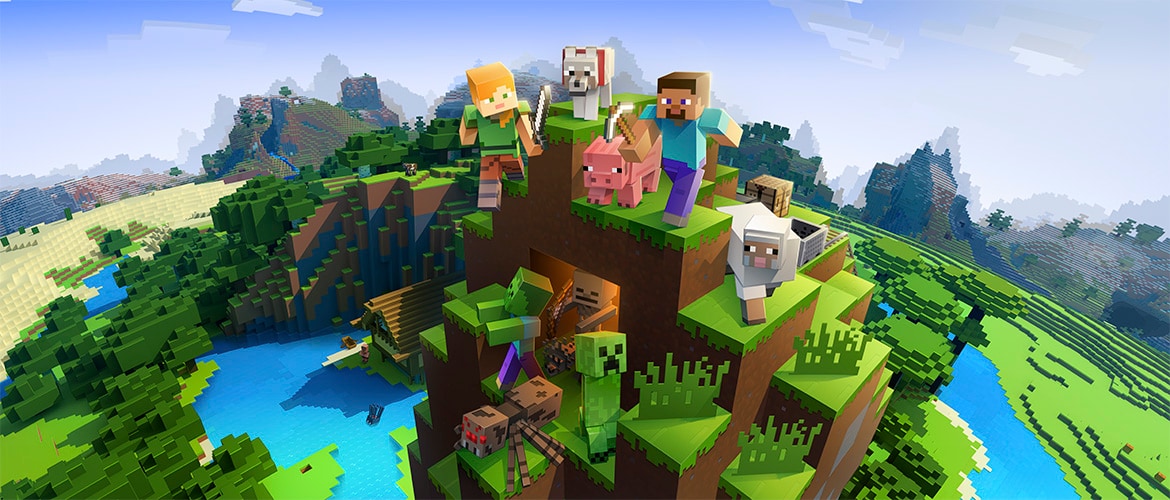
Découvrez le monde passionnant des All the Mods avec une collection unique de mods populaires et moins connus, parfaite pour améliorer votre expérience de jeu. Ce pack de mods allie stabilité et une gamme diversifiée de fonctionnalités, garantissant des aventures et une créativité sans fin. Profitez de mises à jour régulières et d'une communauté dynamique, le tout hébergé par VeryGames pour un environnement de jeu fluide et captivant. Élevez votre hébergement de serveur dès aujourd'hui avec All the Mods - votre porte d'entrée vers l'exploration illimitée !
View on CurseForgeHow to install All the Mods 10 - ATM10 ?
To install the client version of the modpack All the Mods 10 - ATM10 on your computer, follow these steps :
- Download and install a launcher compatible with All the Mods 10 - ATM10.
- Launch the software
- Access the Mods or Modpacks section.
- Search forAll the Mods 10 - ATM10.
- Select the version corresponding to the server you want to connect to, then install it.
- Once the installation is complete, the modpack will be available in the launcher. Click on it to start it.
How to create a server All the Mods 10 - ATM10 ?
Select the modpack All the Mods 10 - ATM10 on your Minecraft panel. To install it, follow the steps below :
- Access the control panel on VeryGames.
- Click on create a new installation
- Select All the Mods 10 - ATM10 in the section type.
- Choose the version you want to install in the section version
- Click on create
- Tadam ! After a few seconds of waiting, your server is installed on the modpack All the Mods 10 - ATM10.
How to update All the Mods 10 - ATM10 ?
Updating All the Mods 10 - ATM10 is very simple, follow the steps below :
- Access the control panel on VeryGames.
- Click on Addons.
- In the table, search for the modpack All the Mods 10 - ATM10 and click on the update button.
- Select the new version of All the Mods 10 - ATM10 and click on change version now.
- Tadam ! After a few seconds of waiting, your server is updated on the modpack All the Mods 10 - ATM10 version you choose.
VeryGames versions of All the Mods 10 - ATM10
The addition of a new version is done automatically when it is made available by its creator.
If a version is not available, it is because it is not stable or incompatible with the servers. If you have any doubts about a version, do not hesitate to contact our support.
Here is the list of versions available of All the Mods 10 - ATM10.
| Version (171) | Release at | Modloader |
|---|
All the Mods 10-7.2 Minecraft 21.1.241 | 07/20/2026, 06:47:46 AM | NeoForge 21.1.241 |
All the Mods 10-7.1 Minecraft 21.1.234 | 06/26/2026, 04:05:33 PM | NeoForge 21.1.234 |
All the Mods 10-7.0 Minecraft 21.1.228 | 05/15/2026, 07:44:50 AM | NeoForge 21.1.228 |
All the Mods 10-6.6 Minecraft 21.1.224 | 04/08/2026, 03:47:56 AM | NeoForge 21.1.224 |
All the Mods 10-6.5 Minecraft 21.1.224 | 04/07/2026, 03:17:30 PM | NeoForge 21.1.224 |
All the Mods 10-6.4 Minecraft 21.1.222 | 04/05/2026, 11:41:41 AM | NeoForge 21.1.222 |
All the Mods 10-6.3 Minecraft 21.1.222 | 04/03/2026, 04:43:08 AM | NeoForge 21.1.222 |
All the Mods 10-6.2 Minecraft 21.1.221 | 03/24/2026, 09:39:21 PM | NeoForge 21.1.221 |
All the Mods 10-6.1 Minecraft 21.1.219 | 03/07/2026, 05:38:15 AM | NeoForge 21.1.219 |
All the Mods 10-6.0 Minecraft 21.1.219 | 02/25/2026, 10:39:16 AM | NeoForge 21.1.219 |