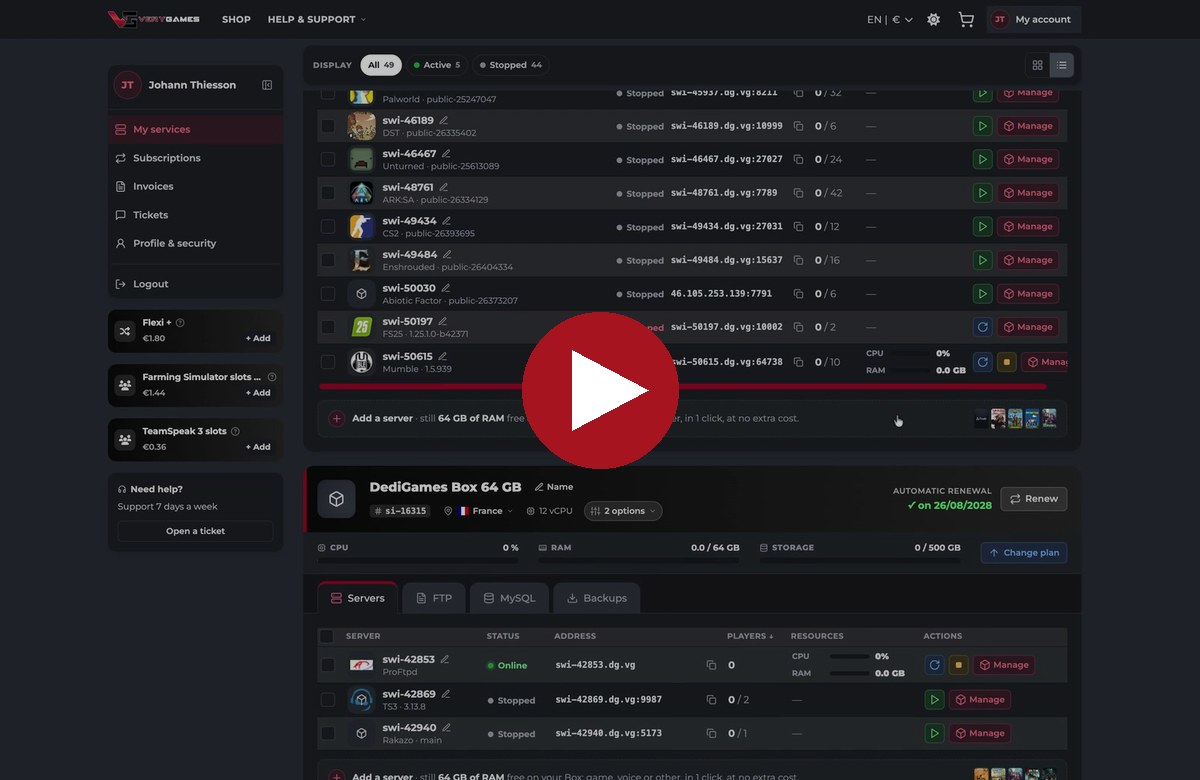

Mumble voice servers are now available on your DediGames® Box
Voice chat for your community, included for free. 🎙️ Mumble is now available on the DediGames® Box, and it is included for free in every DediGames® Box plan. Install a Mumble voice server in a few clicks from your panel, right next to your game servers, TeamSpeak, Linux and Windows.
🎬 Watch the demo
⚡ Ready in a few clicks
1. Install Mumble
Open your DediGames® Box in the panel, pick Mumble and install it in a few clicks.
2. Admin account
Use the Admin account tile: set the SuperUser password and give yourself admin rights.
3. Viewer widget
Share your server status on your website with the customizable Viewer widget.
4. Full configuration
Tune password, welcome text, bandwidth and more from the Configuration screen.
💡 Why DediGames® Box owners love it
🎙️ Voice, free on every Box
Mumble is included for free in every DediGames® Box plan, with no extra fee.
💪 Use the power you pay for
Run game servers and voice on the same Box. Resources go where you need them.
🐧 Linux, Windows and more
Game servers on Linux or Windows, plus TeamSpeak and now Mumble, all in one panel.
Mumble FAQ
Is Mumble included in my DediGames® Box plan?
Yes. Mumble is included for free in every DediGames® Box plan. You only use the resources of your Box.
Can I get Mumble on a slot game server?
Mumble is available on the DediGames® Box only.
How do I become admin of my Mumble server?
Open the Admin account tile of your Mumble server in the panel, set the SuperUser password and give yourself admin rights.
Already on a DediGames® Box?
Open your panel and install Mumble, included for free in every DediGames® Box plan. No Box yet? Get a DediGames® Box and run your game servers and voice on one dedicated machine.