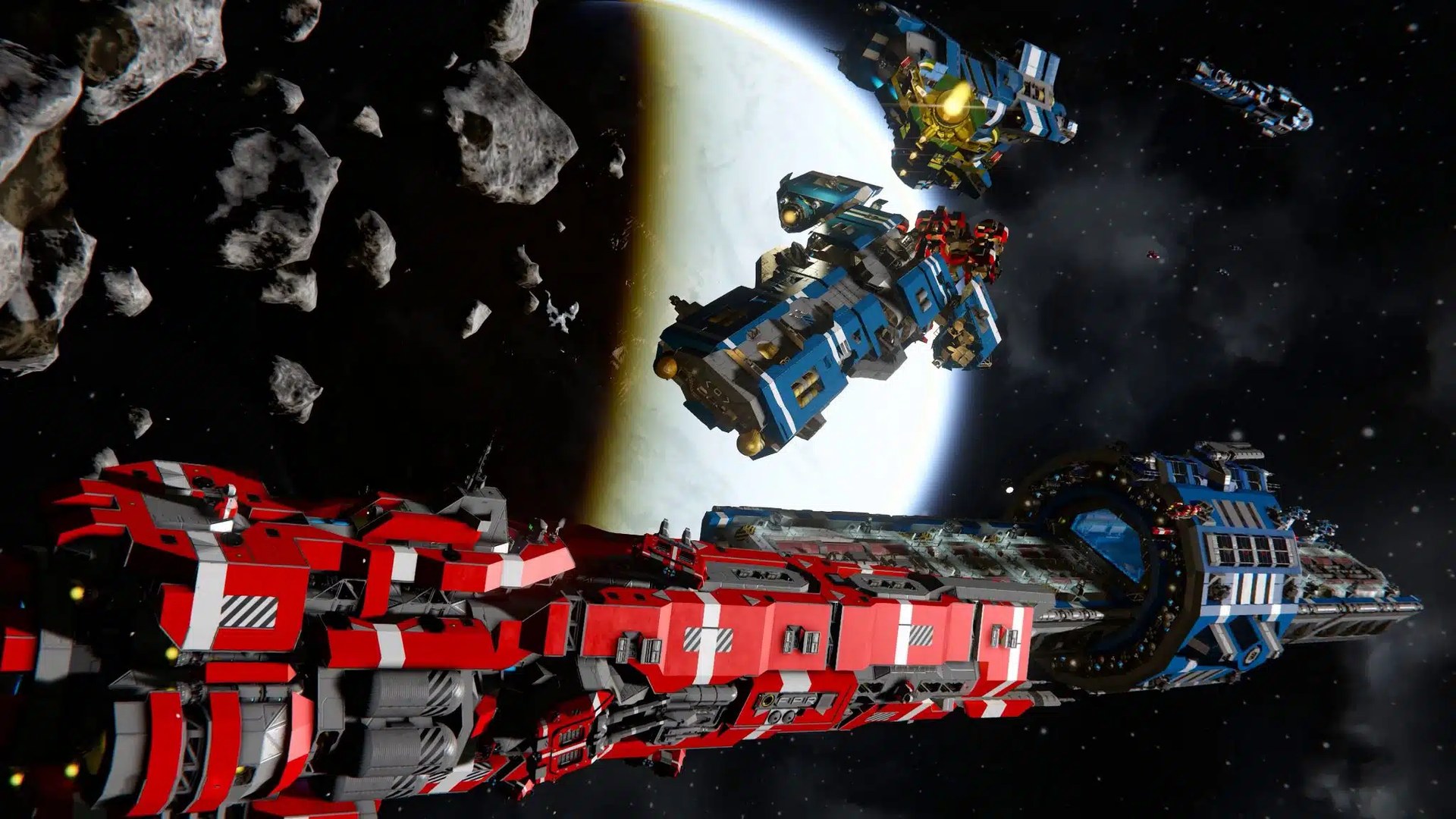

Space Engineers servers are now available at VeryGames
Your own corner of space, online for your group. 🚀 Space Engineers dedicated servers are now available at VeryGames — just in time for Warfare 3, the free 1.211 update. Rent a DediGames® Box, install Space Engineers from the panel and start building with your friends. Your server is ready in less than a minute.
🎁 Launch offer: an extra 10% off the first month with code SPACEENGINEERSLAUNCH, on top of the Discovery -20% (about -28% on the first month). New rentals only, valid until 1 December 2026.
🌌 What is Space Engineers?
Space Engineers is a sandbox engineering game by Keen Software House. Design and fly ships, build stations and explore worlds in space or on planets, alone or with your community.
Warfare 3 is the free 1.211 update. It brings combat NPCs, guided missiles and torpedoes, EMP, flares, Jump Detection and more. On a dedicated server, your world runs on its own machine instead of a player's PC, so nobody has to keep their game open to host.
⚔️ What's in Warfare 3
Combat NPCs
Hostile and story NPCs now appear across encounters, patrol their grids and fight back when you board or attack.
Guided weapons
New homing missiles and torpedo variants lock on to moving grids, with subsystem targeting on supported weapons.
EMP
Prototech EMP can temporarily disable grids in the area — a new way to open a fight or defend a station.
Flares and Jump Detection
Fire countermeasure flares against seeking munitions, and use Jump Detection to catch ships making long-distance jumps.
⚡ Online in a few steps
1. Pick your Box
Choose the DediGames® Box size that fits your group and your other games.
2. Install Space Engineers
Open the panel, select Space Engineers and install it in a few clicks.
3. Set up your server
Set the server name, a join password and the number of player slots from the panel.
4. Invite your friends
Share your IP and game port (default 27016). The First steps guide in your panel walks you through the connection.
💡 Why host it on a DediGames® Box
🎮 Multi-game, multi-server
Run Space Engineers next to your other game servers on the same Box, side by side.
🔄 Updates and backups
The latest Space Engineers version is installed automatically, with automatic backups of your world.
🛠️ A panel built for it
Configuration, scheduled tasks, realtime stats and FTP access, all in one place.
🧠 Good to know if you update or import a world
💾 Back up first
Make a backup of your saves before you update a world or import one from somewhere else.
⚙️ Gravity Drives
Gravity Drives are now disabled by default in world settings. You can turn them back on if you want them.
💺 Passenger seats
Passenger seats now need their construction components before they become functional.
Space Engineers server FAQ
How do my friends join my Space Engineers server?
They add a direct server with your dedicated IP and the game port (default 27016). The First steps guide in your panel has the details.
Can I protect my Space Engineers server with a password?
Yes. Set a join password from the panel and share it only with your group.
Is my server kept up to date?
Yes. The latest version of Space Engineers is installed automatically by default, and you can still choose another available version from the panel.
Can I run other games on the same Box?
Yes. The DediGames® Box is multi-game and multi-server: install other games next to Space Engineers, within the resources of your Box.
Ready to take off?
Rent your Space Engineers server now, or open your panel to install it on the DediGames® Box you already have.