New in Your Panel: Follow Every Install and Reinstall Live
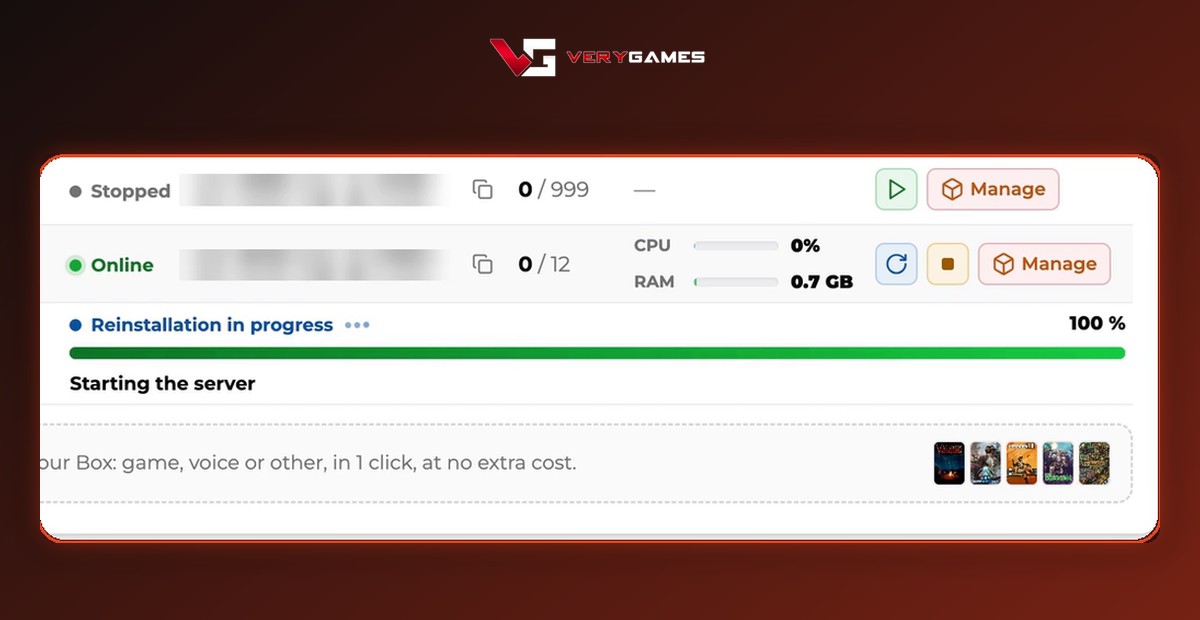
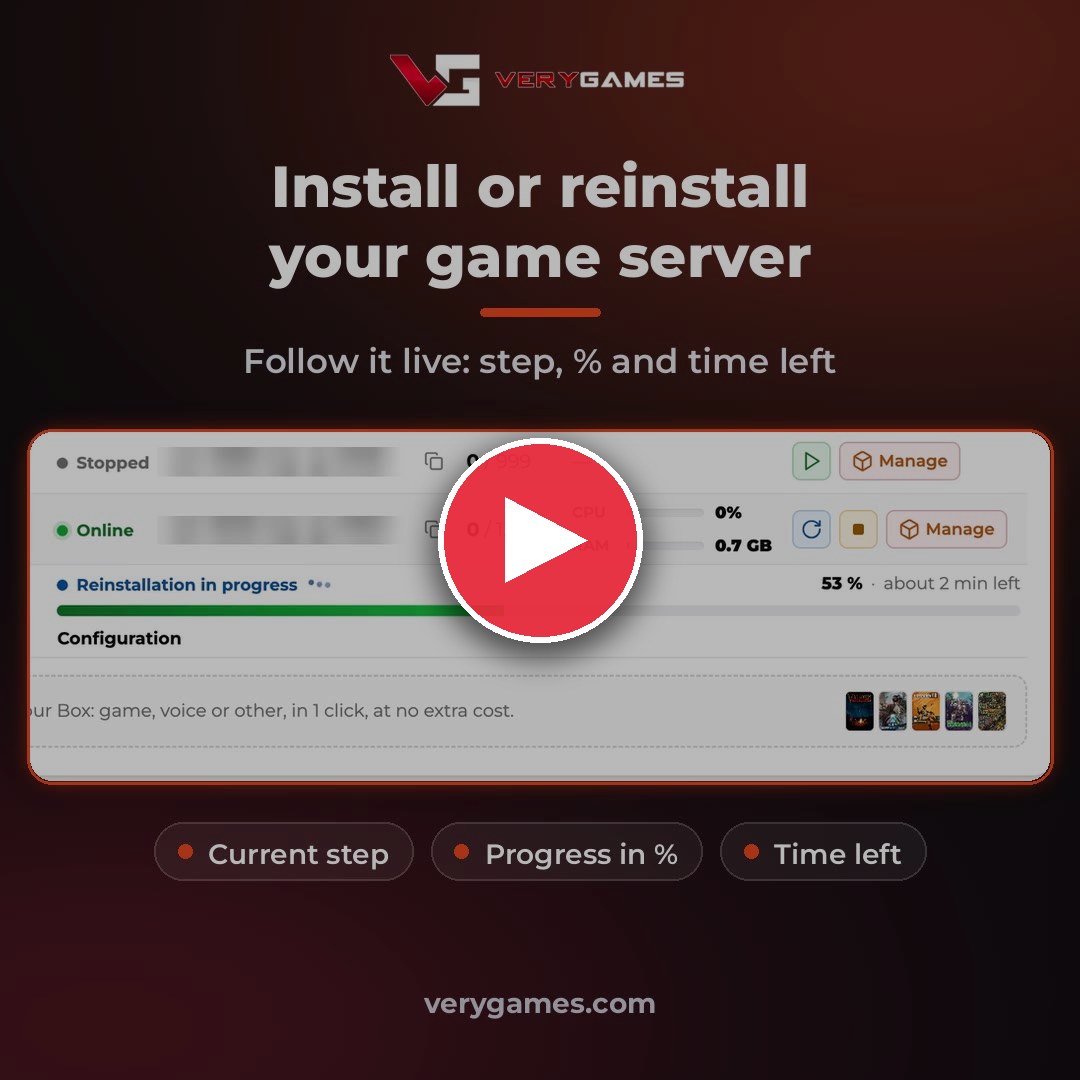
No more guessing! ⏱️ When you install or reinstall a game server on your Box, your panel now shows a live progress bar: the current step, the percentage and the time left, right up to Online.
⏱️ Every step, live
Your server's row in My services shows where the install is at, step by step:
- Preparing the server: your Box gets ready for the install.
- Copying the game files: the game files are copied onto your server.
- Configuration: your server settings are applied.
- Starting the server: your game server boots up.
- Online: your server is ready. Time to play! 🎮
📍 Current step
You always know what your server is doing right now.
📊 Percentage
The bar fills up as the install moves forward.
⏳ Time left
An estimate of the time remaining, updated as it goes.
How to follow an install
- Log in on verygames.com and click My account to open your panel.
- Go to My services and install or reinstall a game server on your Box.
- Follow the progress bar on your server's row until it shows Online.
🛠️ Also new in your panel
📋 My services, on one list
All the servers on your Box now show on a single page, with no pagination, still sorted by player count.
🎙️ TeamSpeak link in the panel
Your TeamSpeak viewer's public link is shown right in the panel. Regenerate it in one click 🔄 to disable old shared links.
Progress bar FAQ
Do I need to do anything to get the progress bar?
No. It is live in your panel for every install and reinstall on your Box.
Where do I see it?
In My services, on the row of the server being installed or reinstalled.
How is the time left calculated?
It is an estimate that updates as the install moves forward, so it can change along the way.
Try it on your next install
Open your panel and install or reinstall a game server on your Box. No server yet? Start with a DediGames® Box: dedicated RAM and CPU for all your games, managed from this panel.