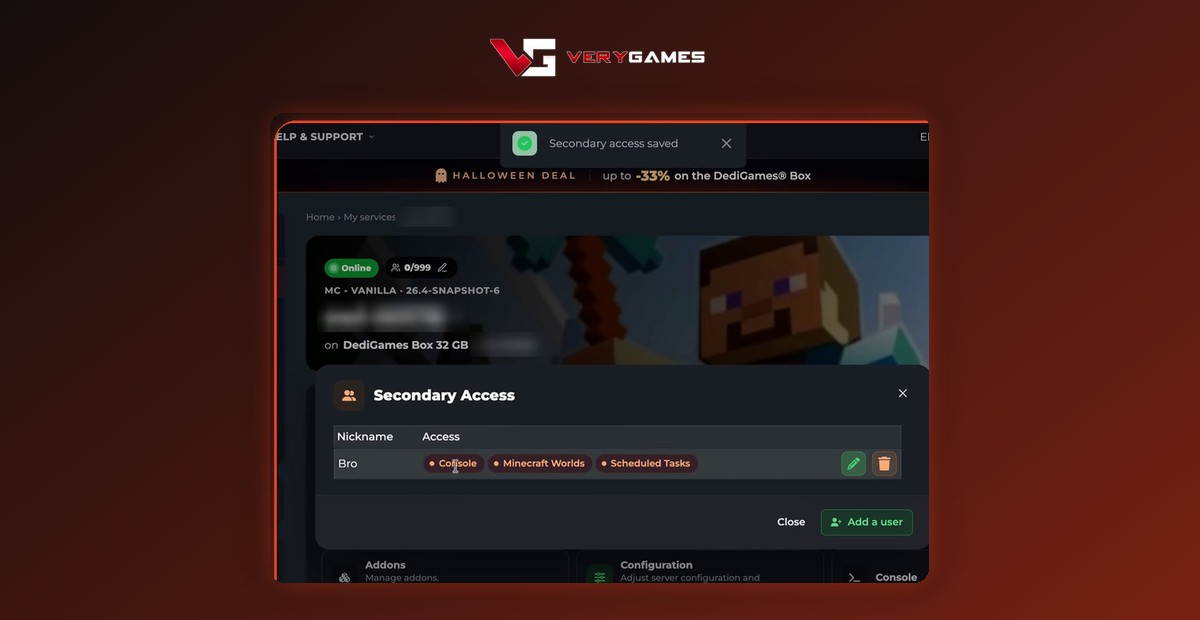
New: Share Your Game Server with Secondary Access
Playing as a team? Manage as a team. 🤝 With secondary access, invite a friend by email to help you run your game server, right from your panel. You choose exactly what they can do.
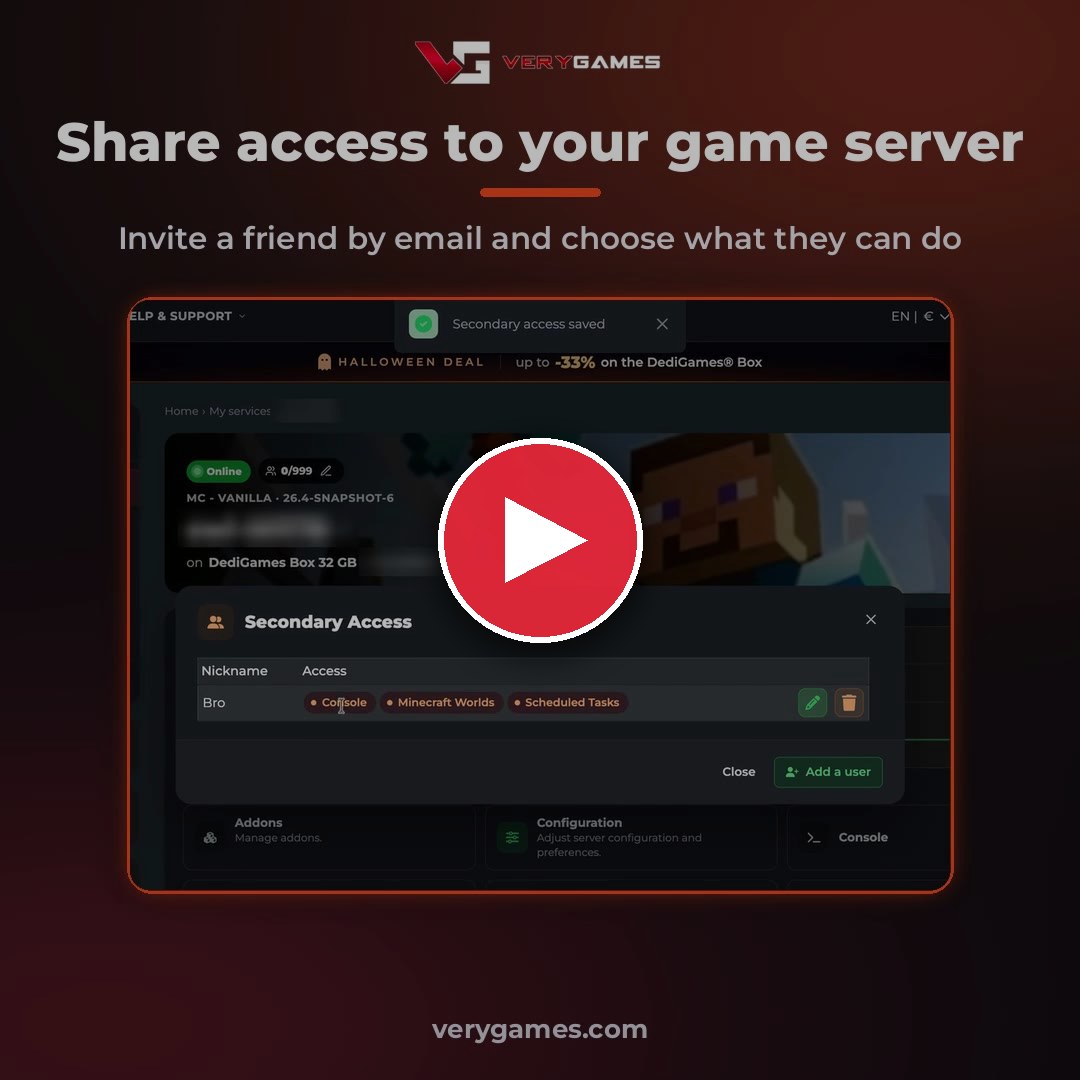
👥 How to add a secondary user
- Open your panel and pick a server in My services.
- Click the Secondary Access tile: Manage secondary users and permissions.
- Click Add a user, then enter the email of their VeryGames account and a nickname.
- Tick the features they can use, then click Validate. You will see Secondary access saved. Done!
Use the email of your friend's VeryGames account. If that VeryGames user does not exist yet, the access stays pending. Unknown emails are rejected.
🎛️ Pick their rights
Only tick what they are allowed to do. Server Control is always included. Then choose among:
- Console
- Configuration
- Addons
- Java
- Minecraft Worlds
- Version and Update
- Scheduled Tasks
- Reinitialization
The list of features depends on your game.
✏️ Stay in control
✏️ Edit their rights
Give or take back a feature whenever you want.
🗑️ Remove their access
One click and your friend no longer has access to your server.
Secondary access FAQ
Does my friend need a VeryGames account?
Yes. Add them with the email of their VeryGames account. If that user does not exist yet, the access stays pending.
Which features can I share?
Server Control is always included. You then pick among the features offered for your game, such as Console, Configuration, Addons or Scheduled Tasks.
Can I change their rights later?
Yes. Edit their rights or remove their access at any time from the Secondary Access tile.
Share your server today
Open your panel, pick a server and invite a friend in a few clicks. No server yet? Start with a DediGames® Box: dedicated RAM and CPU for all your games, managed from this panel.