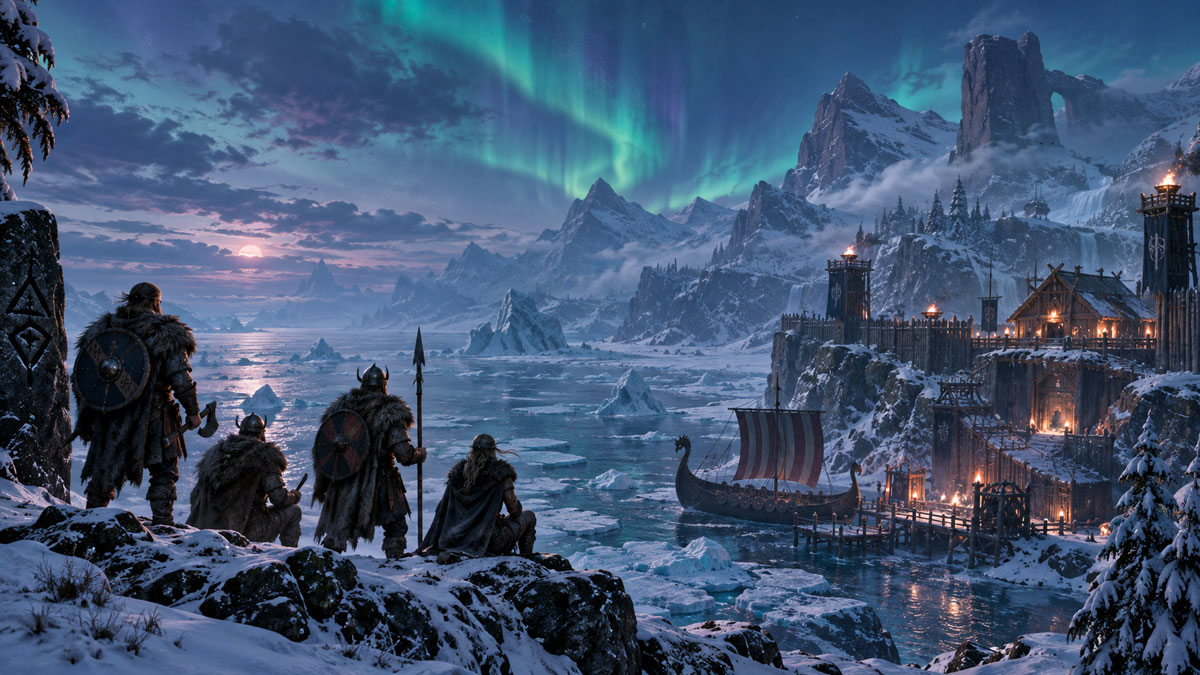
Valheim 1.0 launches tomorrow: how to prepare your server for Deep North and full crossplay
Valheim 1.0 launches on September 9, 2026, finally taking Iron Gate's Viking survival game out of Early Access more than five years after its original release. The update introduces the long-awaited Deep North biome, but for server owners, the biggest change may be elsewhere: full crossplay between PC, Mac, Linux, Xbox, PlayStation 5 and Nintendo Switch 2.
For existing communities, this is a major moment. Players joining from PS5 and Switch 2 will now be able to share the same Valheim worlds as PC and Xbox players.
But before updating a long-running dedicated server, there are a few things administrators should prepare.
Back up your Valheim world before installing 1.0
The first step should be simple: make a complete backup of your server before updating to Valheim 1.0.
Iron Gate confirms that existing saves will continue to work after the update. Your current world, buildings, characters and progression are therefore not supposed to disappear simply because the server moves to version 1.0.
That does not make backups any less important.
A major game update can affect server files, mods and world generation, and reverting becomes considerably easier when you have a clean pre-1.0 copy available.
Existing worlds will work, but there is a catch with Deep North
You do not have to create a new world for Valheim 1.0.
Iron Gate says older worlds will remain usable. However, new biome content can only be generated correctly in areas that have not previously been explored.
Important for Deep North: if members of your server have already travelled extensively through the northern regions of the map, some of those areas may already have been generated using the previous version of Valheim.
Those locations may therefore not provide the complete Deep North experience designed for version 1.0.
Iron Gate recommends starting a new playthrough for the best possible 1.0 experience.
For server administrators, there are essentially two choices:
- Keep the existing world and preserve years of buildings and progression.
- Launch a fresh Valheim 1.0 world so everyone discovers Deep North and the new progression as intended.
For established communities, keeping the old world may make perfect sense. For groups returning specifically for the 1.0 launch, however, a fresh server is probably the better option.
Check your mods before updating the server
Modded servers require considerably more caution.
Iron Gate has confirmed that Valheim 1.0 does not introduce official mod support, and the studio cannot guarantee that existing mods will continue to function immediately after launch.
There will also be no Steam Workshop support for Valheim 1.0.
As with previous major updates, mod developers may need time to update their projects for the new game version.
If your server relies heavily on frameworks, gameplay modifications or other server-side additions, check their compatibility before restarting your production world with 1.0.
A sensible launch-day strategy is to temporarily test the updated server without optional mods, then restore them progressively once their developers confirm compatibility.
Console players change the equation for modded communities
There is another important consideration with version 1.0: console versions of Valheim will not support mods at launch.
Communities planning to welcome PS5, Xbox or Nintendo Switch 2 players should therefore pay particular attention to their current mod setup and make sure it does not prevent console players from joining the experience they want to offer.
Enable crossplay for PS5 and Switch 2 players
Valheim has supported cross-platform networking before, but version 1.0 dramatically expands the number of platforms involved.
Valheim 1.0 platforms:
- Windows
- Linux
- macOS
- Xbox One
- Xbox Series X|S
- PlayStation 5
- Nintendo Switch 2
Crossplay is supported between all of them.
For dedicated servers, administrators still need to ensure that the server is running using Valheim's crossplay backend.
The official dedicated server configuration uses the -crossplay argument for this purpose. With crossplay enabled, Valheim uses the PlayFab backend and players can connect using the server browser, public address or a join code.
Without the crossplay option, a dedicated server using the Steam backend is restricted to Steam players. If your objective is to welcome the new PS5 and Nintendo Switch 2 audience, checking the server's crossplay configuration should be part of your 1.0 migration checklist.
Full crossplay does not mean larger Valheim servers
One detail is easy to overlook amid the arrival of two new console platforms.
Valheim 1.0 officially remains a game for 1 to 10 players. Iron Gate has not announced a higher official player limit with version 1.0.
The significance of crossplay is therefore not that individual servers suddenly become much larger. Instead, communities can recruit players from a much broader ecosystem without forcing everyone to own the same platform.
A group could now include Steam players, Xbox users, PS5 players and Switch 2 owners exploring the same persistent world together.
Valheim 1.0 also brings performance improvements
Version 1.0 is not only about Deep North.
Iron Gate says the update includes several optimisations, including reduced micro-stuttering when zones are loaded into and out of memory and faster saving, alongside other smaller performance improvements.
Large and extremely complex player bases should not expect a dramatic performance transformation, however. The studio specifically warns that the improvements in 1.0 will not completely solve performance issues caused by very large builds.
For persistent dedicated servers with large worlds, faster saves and smoother zone loading are nevertheless welcome improvements.
Valheim 1.0 server checklist
Before opening your server to players on September 9:
- Create a backup of your current world and configuration.
- Update the server and clients to Valheim 1.0 before allowing players to reconnect.
- Check every important mod and disable anything that has not yet been confirmed compatible.
- Decide whether to keep your existing world or start fresh, especially if your community has already explored the Deep North.
- Enable crossplay if you want Xbox, PlayStation 5 or Nintendo Switch 2 players to join your community.
A new beginning for Valheim servers
September 9 is more than another biome update.
Valheim is leaving Early Access, completing its world with Deep North and launching simultaneously across a much larger range of platforms.
For dedicated server communities, full PS5 and Nintendo Switch 2 crossplay could be one of the most important changes Valheim has received since launch.
Ready for Valheim 1.0?
With VeryGames, you can host and manage your Valheim server through DediGames® Box, with automatic updates, automatic backups, real-time management and multi-server support.
Whether you want to preserve your community's existing world or start a brand-new adventure in Deep North, prepare your server now for Valheim 1.0.
Discover VeryGames Valheim hosting