DediGames® Box
The ultimate solution for your game servers with Minecraft Resource Pack Loader
DediGames® Box
One Box for all your servers- ✓Multiple games and servers on the same Box
- ✓RAM: from 2GB to 128GB
- ✓Complete panel, real-time statistics (5s)

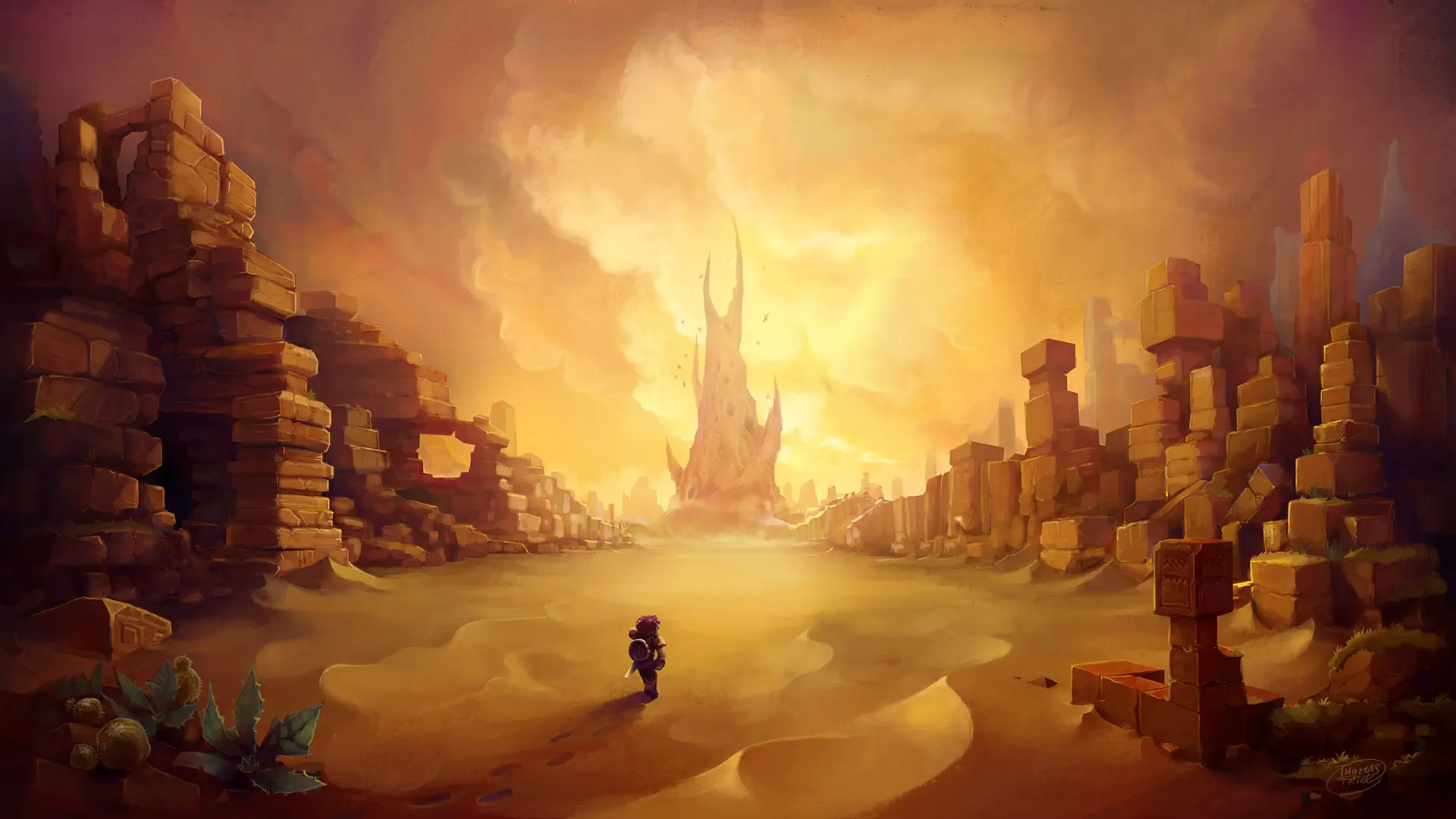
Transform your Hytale server with a Minecraft-inspired visual experience featuring block textures, ores, plants, trees, creatures, inventory icons, and sky elements. The resource pack loader applies custom visuals server-side, allowing players to join multiplayer survival, PvE, PvP, and roleplay worlds without manual installation. Customize blocks, mobs, plants, shapes, and environmental assets through simple configuration options for a flexible Hytale modded server. Host your custom Hytale gameplay with VeryGames and create a familiar yet original world for exploration, crafting, building, and progression.
View on CurseForgeHow to create a server with Minecraft Resource Pack Loader ?
- Access the control panel on VeryGames.
- Click on addons cards.
- Click available addons.
- Search for Minecraft Resource Pack Loader.
- Click install.
How to update Minecraft Resource Pack Loader ?
Updating Minecraft Resource Pack Loader is very simple, follow the steps below:
- Access the control panel on VeryGames.
- Click on addons cards.
- Click installed addons.
- Search for Minecraft Resource Pack Loader.
- Click update.
- Select the new version of Minecraft Resource Pack Loader and click on change version now.
VeryGames versions of Minecraft Resource Pack Loader
The addition of a new version is done automatically when it is made available by its creator.
If a version is not available, it is because it is not stable or incompatible with the servers. If you have any doubts about a version, do not hesitate to contact our support.
Here is the list of versions available of Minecraft Resource Pack Loader.
| Version (4) | Release at |
|---|
DragontaleMinecraftRetexture-1.3.0 | 10/28/2026, 08:40:28 AM |
DragontaleMinecraftRetexture-1.2.0 | 10/27/2026, 10:35:42 AM |
DragontaleMinecraftRetexture-1.1.0 | 10/27/2026, 09:10:44 AM |
DragontaleMinecraftRetexture-1.0.0 | 10/26/2026, 10:20:16 AM |
DediGames® Box
The ultimate solution for your game servers with Minecraft Resource Pack Loader
DediGames® Box
One Box for all your servers- ✓Multiple games and servers on the same Box
- ✓RAM: from 2GB to 128GB
- ✓Complete panel, real-time statistics (5s)