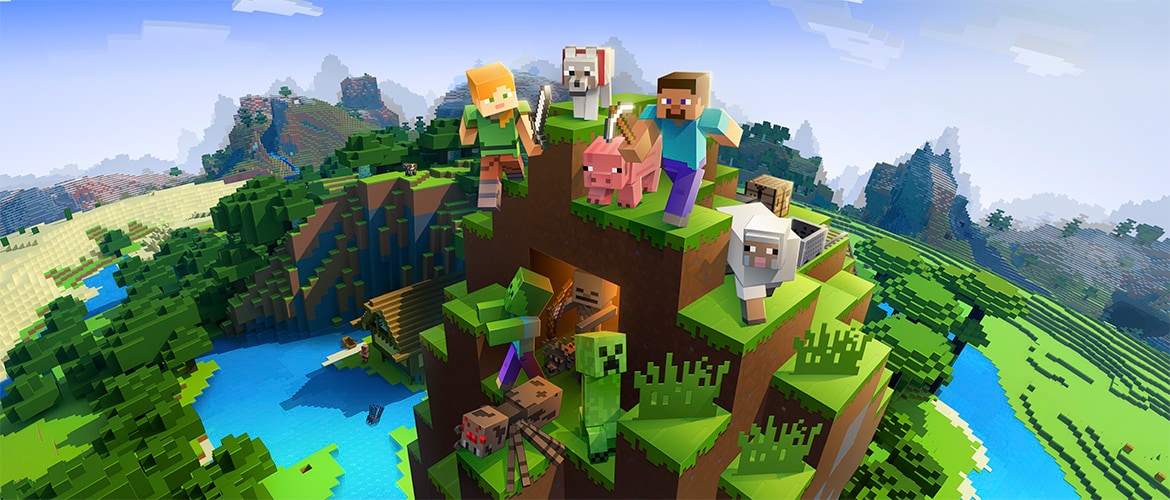
DediGames® Box
The ultimate solution for your Minecraft game servers with Pinecrest modpack
DediGames® Box
One Box for all your servers- ✓Multiple games and servers on the same Box
- ✓RAM: from 2GB to 128GB
- ✓Complete panel, real-time statistics (5s)

Discover the perfect balance of adventure and relaxation with this unique modpack offered by VeryGames! Dive into a world where magic meets farming, featuring legendary weapons, immersive livestock systems, and the thrill of crafting cars and planes. Experience dynamic seasons that change your farming strategy and uncover hidden dragons in the wild. Whether you prefer a cozy farm life or thrilling quests, this modpack has something for everyone. Join the Discord and start your extraordinary journey today!
View on CurseForgeHow to install Pinecrest ?
To install the client version of the modpack Pinecrest on your computer, follow these steps:
- Download and install a launcher compatible with Pinecrest.
- Launch the software
- Access the Mods or Modpacks section.
- Search forPinecrest.
- Select the version corresponding to the server you want to connect to, then install it.
- Once the installation is complete, the modpack will be available in the launcher. Click on it to start it.
How to create a server Pinecrest ?
Select the modpack Pinecrest on your Minecraft panel. To install it, follow the steps below :
- Access the control panel on VeryGames.
- Click on create a new installation
- Select Pinecrest in the section type.
- Choose the version you want to install in the section version
- Click on create
- Tadam! After a few seconds of waiting, your server is installed on the modpack Pinecrest.
How to update Pinecrest ?
Updating Pinecrest is very simple, follow the steps below:
- Access the control panel on VeryGames.
- Click on Addons.
- In the table, search for the modpack Pinecrest and click on the update button.
- Select the new version of Pinecrest and click on change version now.
- Tadam! After a few seconds of waiting, your server is updated on the modpack Pinecrest version you choose.
VeryGames versions of Pinecrest
The addition of a new version is done automatically when it is made available by its creator.
If a version is not available, it is because it is not stable or incompatible with the servers. If you have any doubts about a version, do not hesitate to contact our support.
Here is the list of versions available of Pinecrest.
| Version (2) | Release at | Modloader |
|---|
Pinecrest 1.0.1 Minecraft 1.20.1-47.4.0 | 08/12/2025, 03:58:57 PM | Forge 1.20.1-47.4.0 |
Pinecrest ALPHA Minecraft 1.20.1-47.4.0 | 07/09/2025, 12:36:16 AM | Forge 1.20.1-47.4.0 |
DediGames® Box
The ultimate solution for your Minecraft game servers with Pinecrest modpack
DediGames® Box
One Box for all your servers- ✓Multiple games and servers on the same Box
- ✓RAM: from 2GB to 128GB
- ✓Complete panel, real-time statistics (5s)